A timer you can trust.
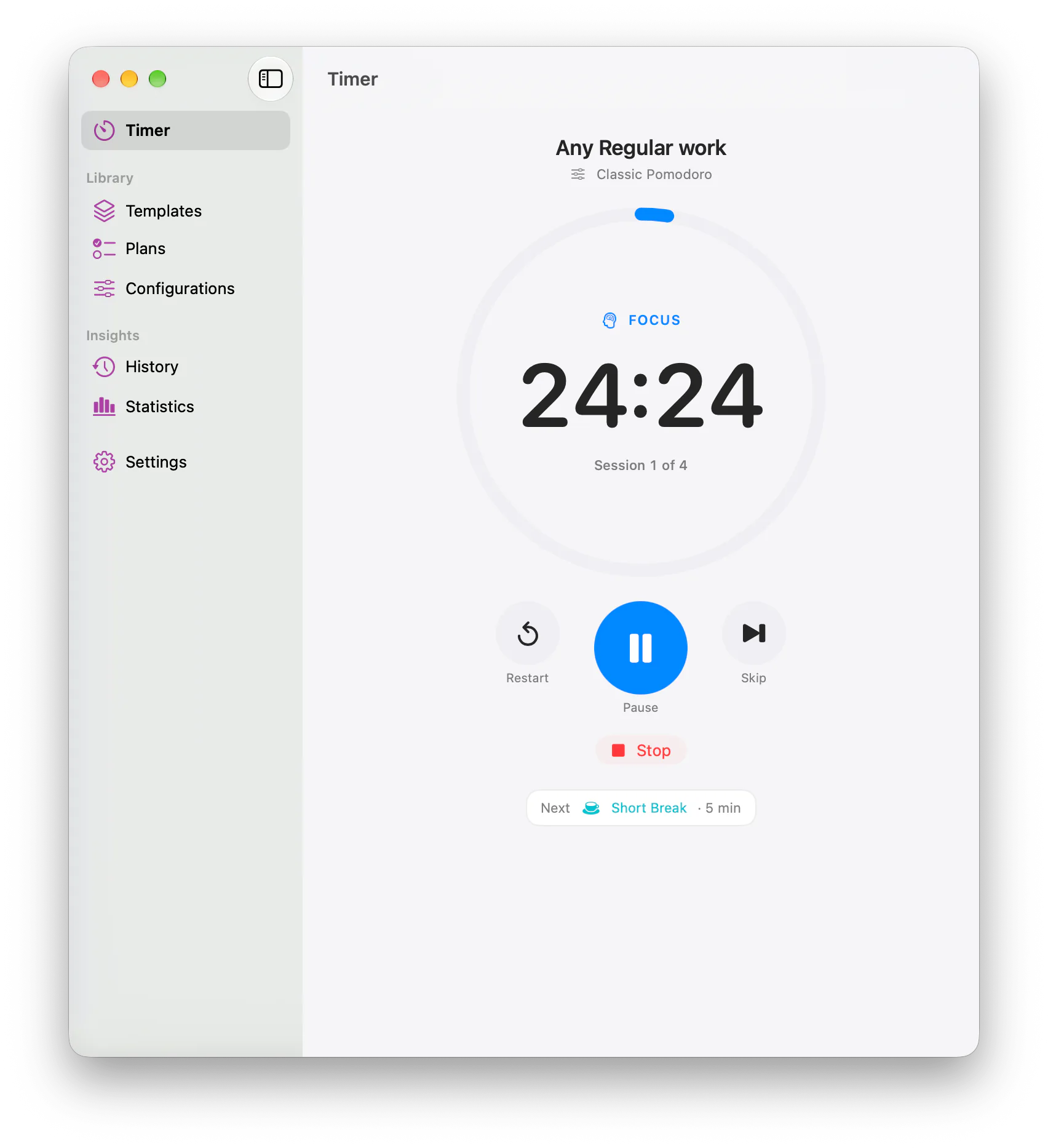
The countdown is worked out from real timestamps, not counted second by second, so sleep, locking or closing the window never loses time.
 Time Frame
Coming soon to the App Store
Time Frame
A focused workspace for Pomodoro sessions, reusable workflows, planning, and understanding how you spend your time.
Coming soon to the App Store
For Mac, iPhone and iPad, with a companion for Apple Watch.

Features
Focus intervals, short breaks and long breaks run in order. Pause, skip, restart or stop at any point.
Set focus and break lengths, session counts and when the long break falls. Choose one as your default.
Save the work you return to — its task, timer, session count and icon — and start it again in one step.
Lay out an exact sequence of focus and breaks, mixing configurations where the work calls for it.
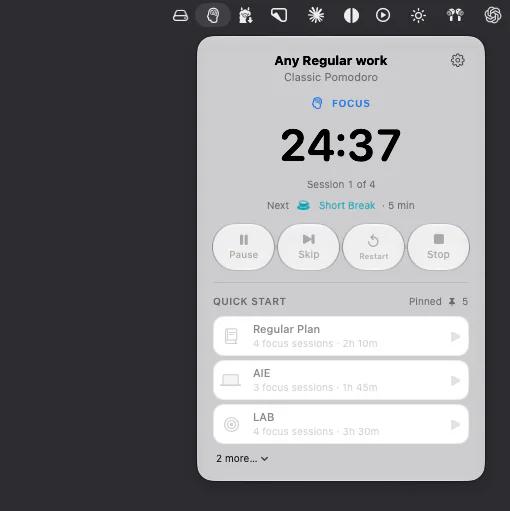
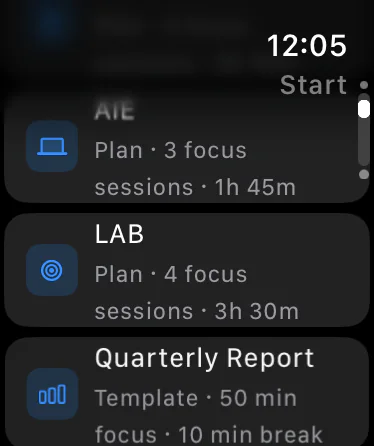
Pin the templates and plans you use most and start them from the Timer, the Mac menu bar or Apple Watch.
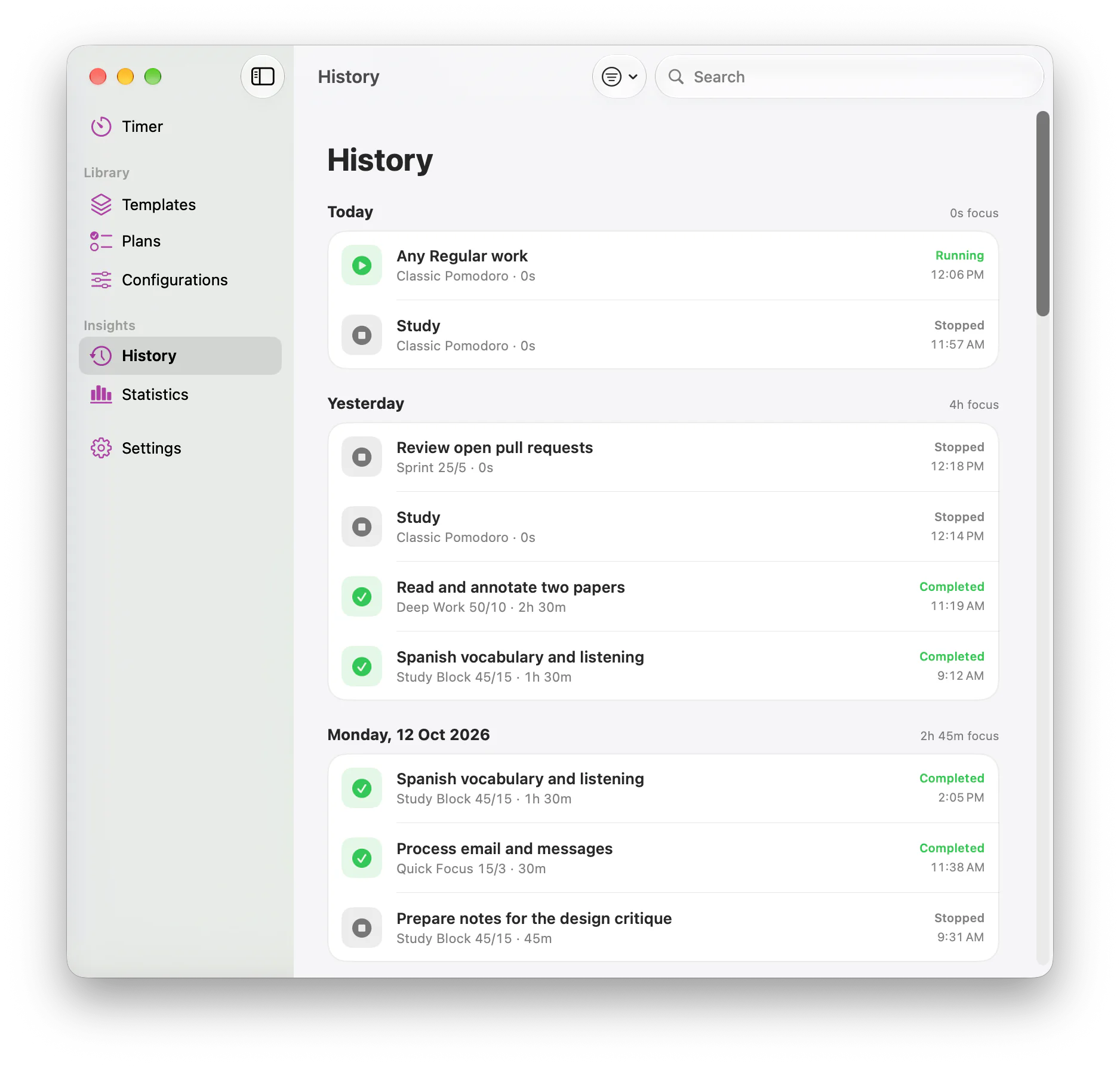
Every session, grouped by day, with each interval and how it ended. Editing a timer later never rewrites the past.
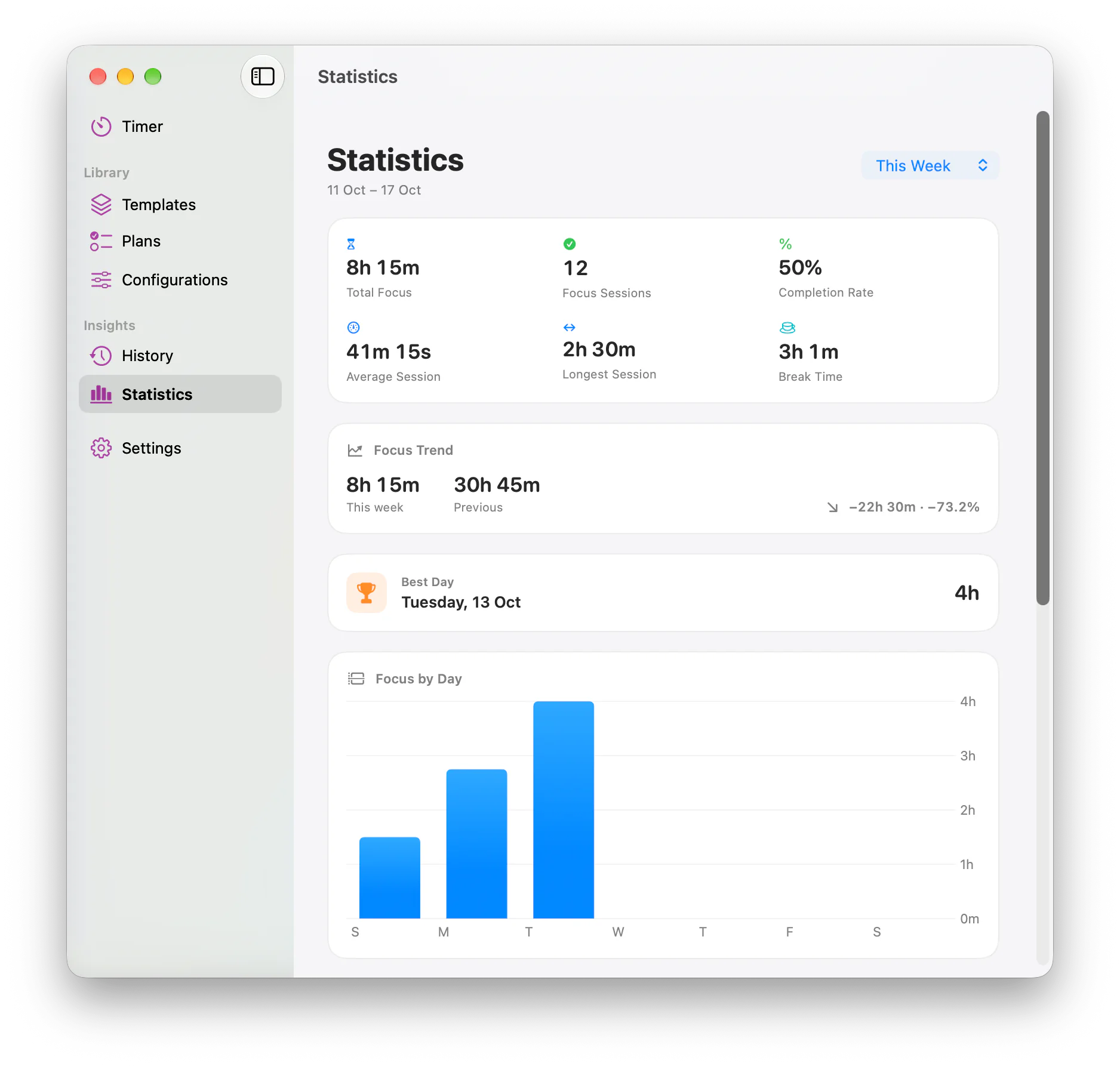
Total focus, completion rate, longest session, best day and a trend against the previous period.
Optionally add your plans and sessions to a calendar you choose, on Mac, iPhone and iPad.
The countdown and every control in a compact popover, without opening the main window.
Local alerts at the end of each interval, with actions to keep going without opening the app.
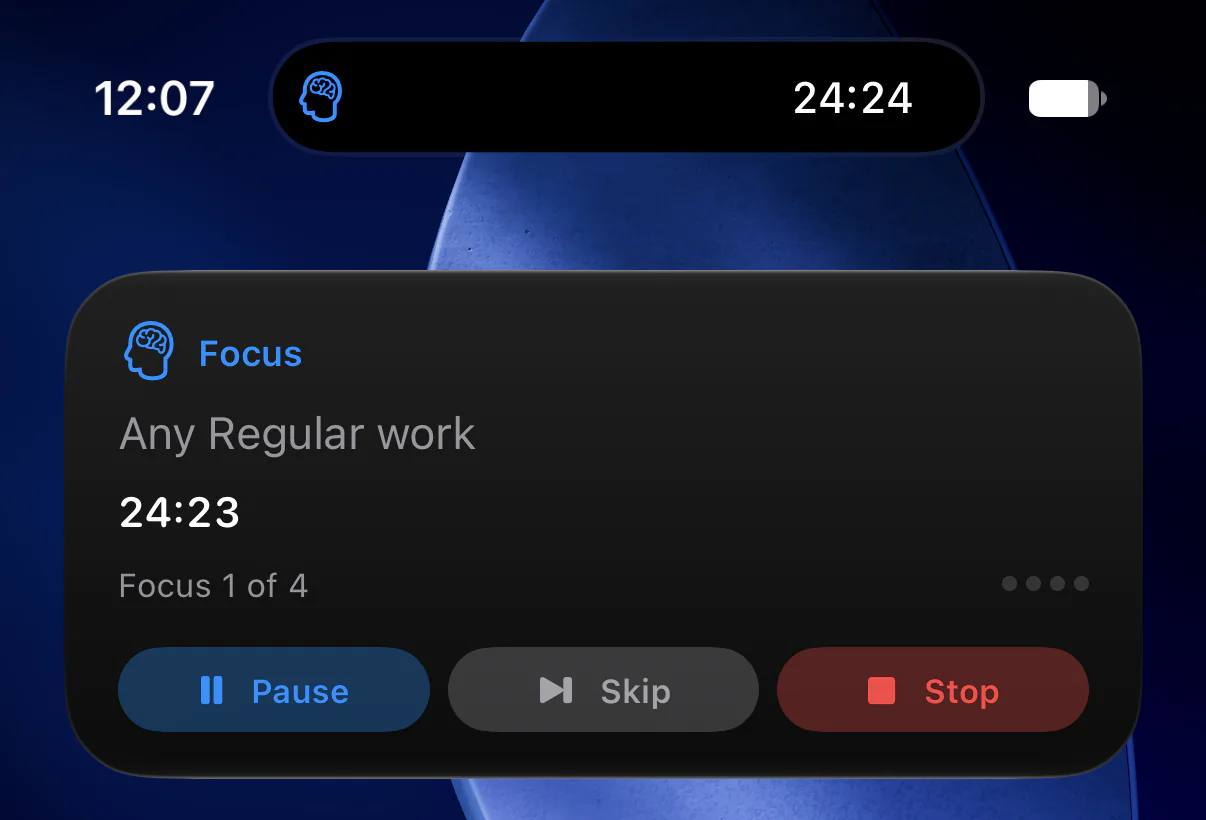
Home Screen and Lock Screen widgets, a Live Activity, Control Center controls and Siri Shortcuts on iPhone.
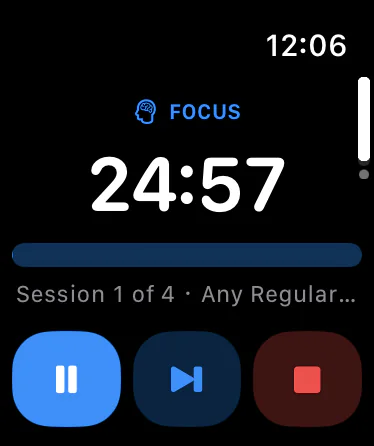
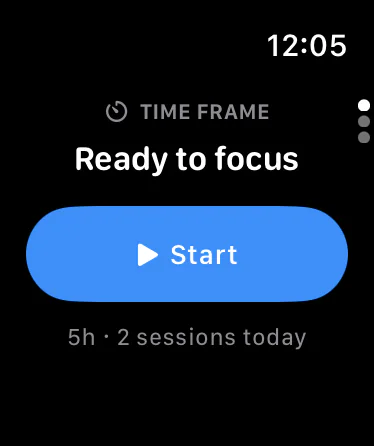
See the time left, control the session your iPhone is running, and start a pinned workflow from your wrist.
Screenshots
Real captures from the Mac, iPhone and Apple Watch apps.
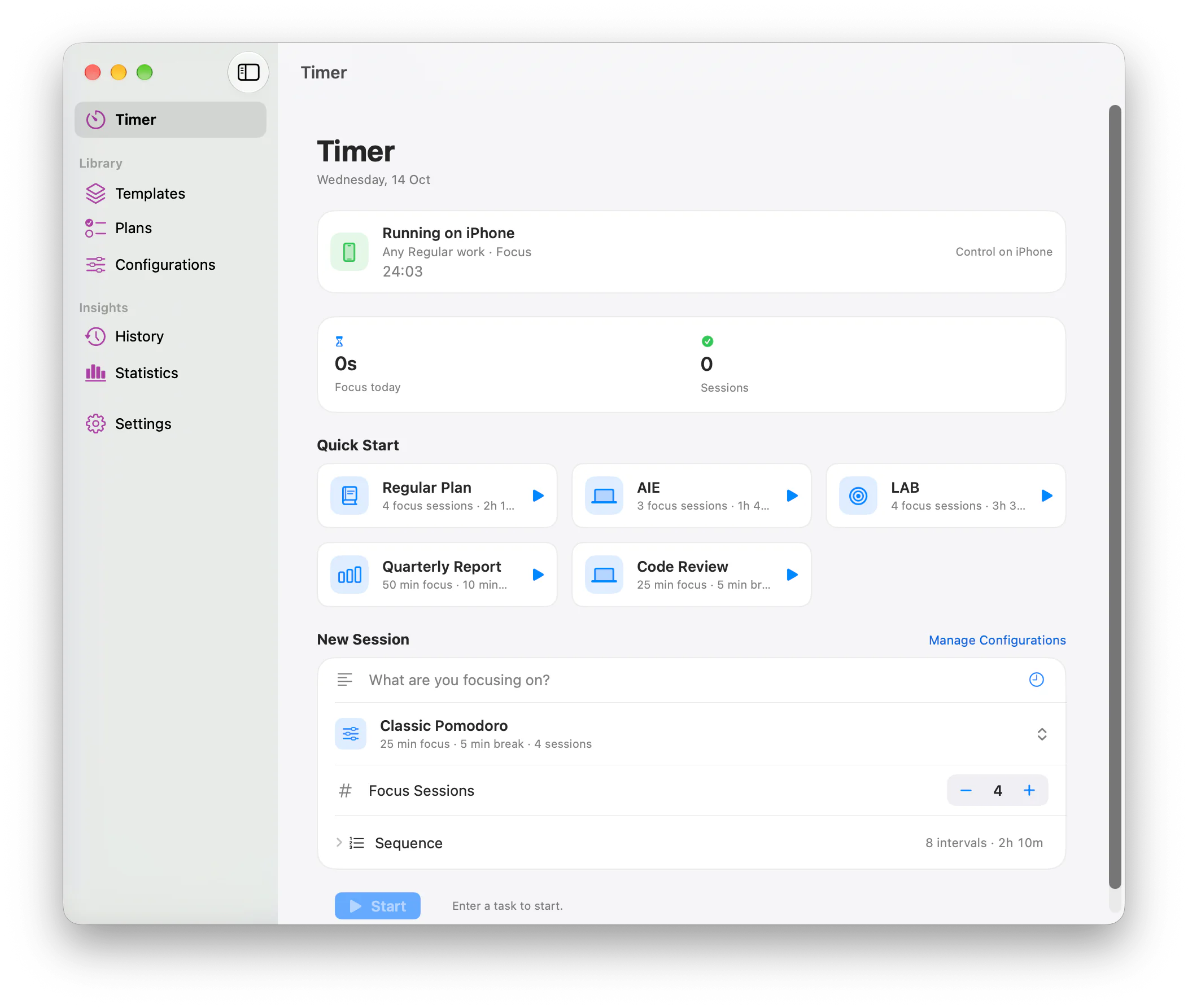
The countdown is worked out from real timestamps, not counted second by second, so sleep, locking or closing the window never loses time.
Pinned templates and plans wait in Quick Start. On Mac, the menu bar keeps the countdown and every control a click away.
Configurations hold your timings, templates hold your recurring work, and plans hold an exact sequence of focus and breaks.
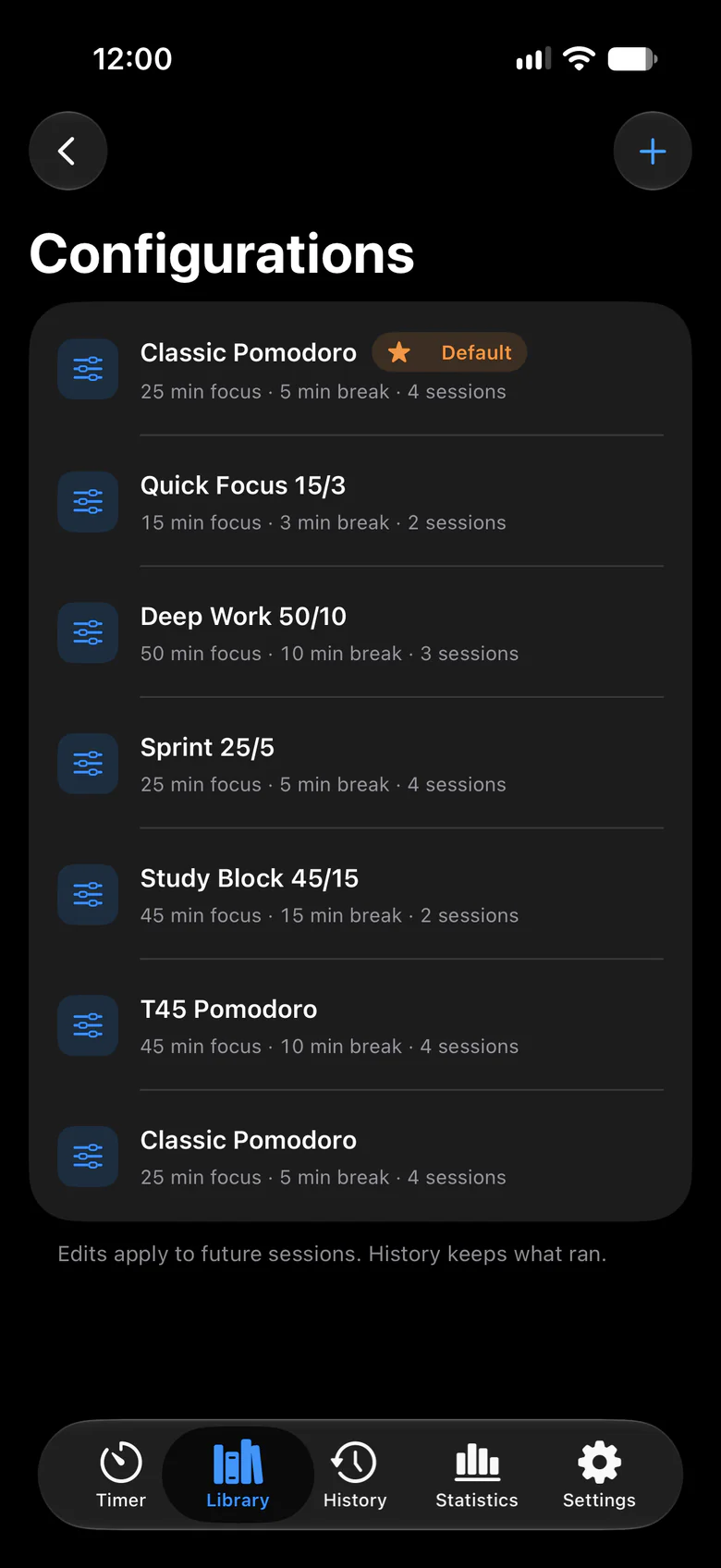


iPhone screens shown in your current appearance, Light or Dark.
History keeps every session exactly as it ran. Statistics turn it into totals, trends and your best day.
A Live Activity keeps the session on your Lock Screen and in the Dynamic Island, with controls that act on the real timer.


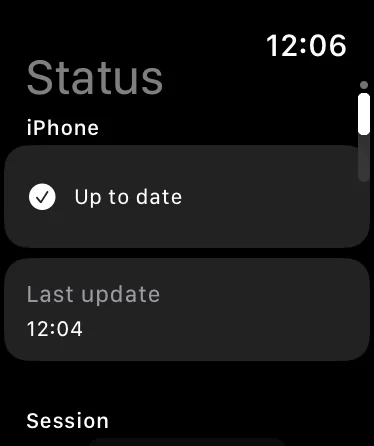
The Apple Watch app shows and controls the session your iPhone is running, and starts your pinned workflows. It never runs a second timer.
How it works
Pick focus and break lengths that match how you work.
Turn recurring work into templates.
Sequence the sessions a bigger task needs.
History records what actually happened.
Statistics show where your time went.
Privacy
No analytics, no advertising, and no third-party SDKs. There is no account to create.
Your timers, plans and history are kept in the app on your device. The developer runs no server.
If you turn on sync, your data is kept in your own private iCloud database, which the developer cannot access.
Calendar and notifications are used only after you allow them, and only for what you switch on.

Time Frame is not available to download yet. When it is, this page will link to its App Store listing.